Answers to frequently asked questions about EZ Secure Transfer.
Frequently Asked Questions
EZ Secure Transfer is the proprietary system developed by EZ for safer file transfer between Team EZ and our clients, which works fantastically in every client's favour. Multiple layers of security ensure that your files are not only significantly more secure than sharing them via email, but also do not depend on any third-party file transfer applications, making the sharing and transfer of your data secure, and extra convenient! Another benefit of EZ secure transfer is that users are only able to access their assignments with a combination of Delivery ID, and a single-use Secure Key generated for every user. This combination ensures that only intended users from within an organisation can have access to their assignments like in a bank locker, giving a user complete power over who gets to access their data. Moreover, EZ Secure Transfer builds upon the established principles of Privileged Access Management and adds to it by creating isolated storage for each organisation. In simpler terms, people outside the organization are not even allowed within the vault with your bank locker.
Signing up to start using EZ Secure Transfer is a quick and simple one-time process - Visit EZ Works; Enter your work email address and set a password for your account, we suggest you make it strong!; Verify your account by clicking the button in the verification email sent to your email address ...and it is done! You will be able to reap all the benefits of EZ secure transfer by following this simple process!
With EZ, your personal information is entirely safe. We are GDPR compliant and have ISO 27001:2013 certification for Information Security Management Systems. This ensures that your personal information is encrypted and inaccessible to individuals. To know more about GDPR compliance, read the article here.
If you have received a link to visit EZ Secure Transfer, it means that EZ is an approved vendor of your organisation, and we have gone through the onboarding compliances including signing an NDA. EZ Secure Transfer is also compliant with the terms of the NDA. This proprietary application eliminates the use of third-party file transfer applications or the dependence on email attachments, further enhancing our commitment to Information Security. Click here to know more about our Privacy Policy and Terms of Use . If your organisation has any additional prerequisites or enquiries, please contact your administrator for the same. They can reach out to us at support@ez.works to resolve all of your queries.
If you have received a link to visit EZ Secure Transfer, it means that EZ is an approved vendor of your organisation, and we have gone through the onboarding compliances including signing an NDA. EZ Secure Transfer is also compliant with the terms of the NDA. This proprietary application eliminates the use of third-party file transfer applications or the dependence on email attachments, further enhancing our commitment to Information Security. Click here to know more about our Privacy Policy and Terms of Use . If your organisation has any additional prerequisites or enquiries, please contact your administrator for the same. They can reach out to us at support@ez.works to resolve all of your queries.
A Delivery ID is a unique ID generated to locate your files in the secure storage dedicated to your organisation. It searches the servers for the right file and makes it available for download. The Delivery ID of each file is shared with you by EZ's support team, in the original email chain of the assignment request, so it is easier for you to keep track. If you feel like sharing any files with your colleagues through EZ Secure Transfer, you can simply send them the Delivery ID, and they will be able to access the files. Anyone outside your organisation or any user with an email extension not approved by your organisation is not allowed to access the files, even with the correct Delivery ID.
Nothing to worry about if you accidentally lose your Delivery ID. All assignments delivered in the past are listed in the Assignment Cards Panel, for your convenience. In case you are not able to locate the card, just send an email to support@ez.works, mentioning the original file name, and ask for the Delivery ID of that particular file to be shared again. We will verify the original requesters of the assignment and reshare the Delivery ID with you.
Anyone outside the organisation of the original requester or any user with an email extension not approved by the organisation is not allowed to access the files, even with the correct Delivery ID. Delivery ID is the primary key to obtain access to your files. A Delivery ID should be treated as highly confidential information. With access to Delivery ID, users from within the organisation will be able to access the files by requesting their individual secure keys. In case you have shared the Delivery ID with someone who should not have access to the files, we would recommend you request the person to remove it from their records so that your data protection remains ensured.
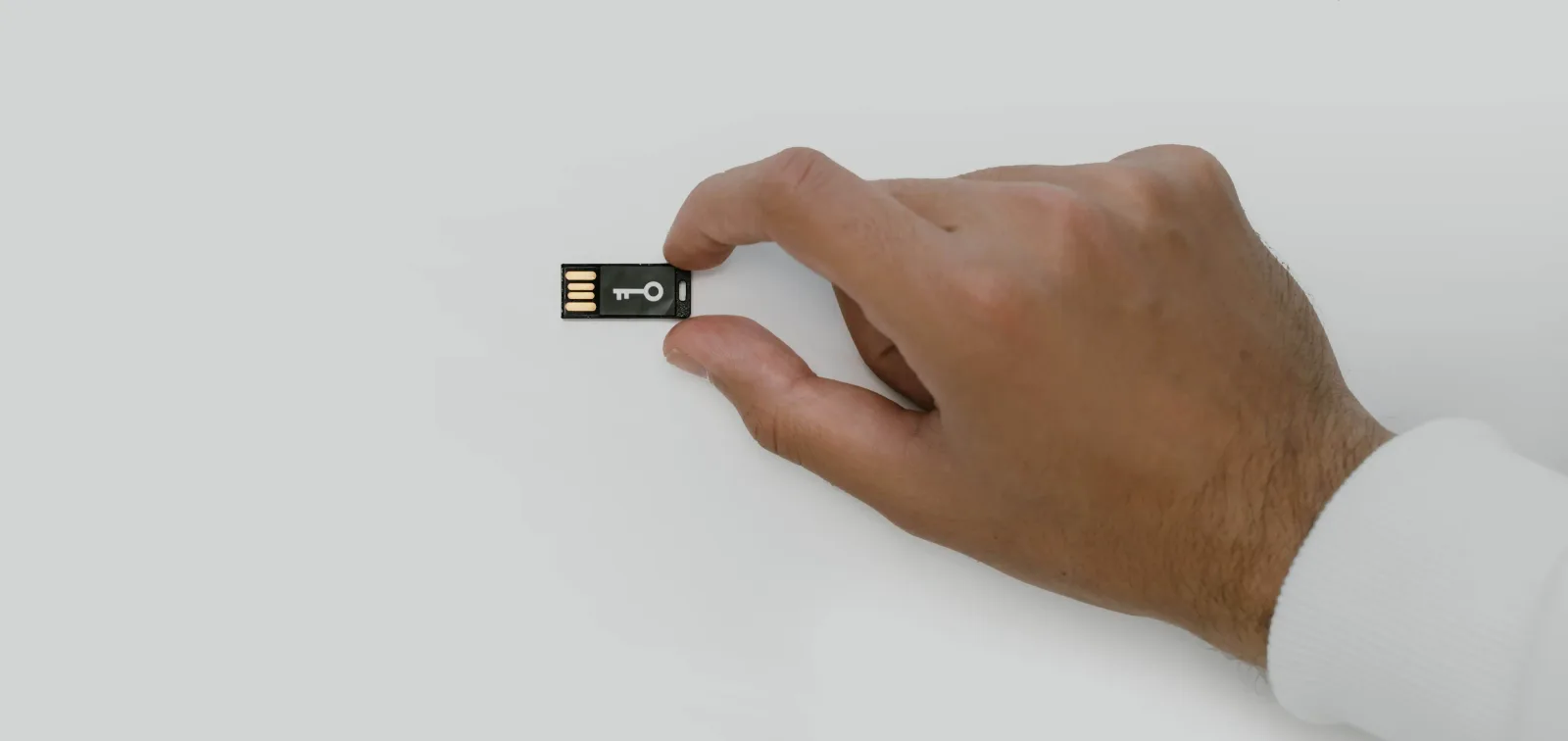
A Secure Key is a single-use decryption key that is used to decrypt your files for download. After 24 hours of delivery, your files are auto encrypted. Every user accessing a file needs to request their unique Secure Key. You can follow the steps below to access your files - You can still locate the files by entering the Delivery ID on the Home Page.; This will take you to the Delivery Tab on Assignment Details Page where you can click the "Download" button to request a Secure Key.; You will receive an automated email to your registered email address with your unique Secure Key, which is only valid for 1 hour. In case you don’t receive the email within a minute, please check your spam folder.; Copy and Paste the Secure Key into the EZ Secure Transfer Delivery Tab on Assignment Details Page to decrypt the files for download.; You can click on the "Download" button or "Resend Secure Key" link to receive a new Secure Key. Secure Keys help EZ ensure uncompromised information security for our clients!
The procedure to get a Secure Key is quite simple! Just follow these steps: When you access a file using your Delivery ID, you are automatically redirected to the Delivery Tab on Assignment Details Page.; When you request to download an encrypted file from there, you will receive an automated email from EZ Secure Transfer to your registered email address, with your unique Secure Key.; Your unique Secure Key will be valid for 1 hour and can only decrypt a particular assignment for a single user. Note- If your Secure Key gets expired, you can again go to the assignment details page and click on the "download" or "resend email "button to generate a new Secure Key. This procedure is followed for the additional safety of our clients!
Getting a new Secure Key is easy! You can generate a new Secure Key from the Delivery Tab on the Assignment Details Page. Navigate to the Delivery Page from the Assignment Card Panel or using the Delivery ID of the Assignment from the Home Page.; Click on Download. You will receive an automated email to your registered email address with your unique Secure Key, which is only valid for 1 hour. In case you don’t receive the email within a minute, please check your spam folder.; Copy and Paste the Secure Key into the EZ Secure Transfer Delivery Tab on Assignment Details Page to decrypt the files for download.; You can click on the "Download" button or "Resend Secure Key" link to receive a new Secure Key. Secure Keys help EZ ensure uncompromised information security for our clients!
This happens because all the files are auto encrypted to ensure information security, and avoid any data breaches in EZ Secure Transfer. We, at EZ, have put this system in place as we understand the importance of confidentiality of client information, and EZ Secure Transfer is a part of the many Information Security Management Systems in place at EZ. To ensure that critical information, such as client information, is only accessible by people with appropriate authority, the files are stored on an encrypted server and can only be accessed using a combination of a Delivery ID and Secure Key. These two levels of access control ensure that only the user with authorization can access the files so that any kind of information breach is prevented!
The process to receive a file on EZ Secure Transfer is easy once you have set up your account on it: You will receive an email with a Delivery ID for your assignment from EZ Support Team.; Visit https://access.ez.works and log in using your account credentials.; Paste the Delivery ID on the Home Page and Click on the "Fetch & Decrypt" button. You will be able to download the file after following these steps! In case you log in 24 hours after receiving the Delivery ID, the file will be auto encrypted. You can decrypt the file by clicking on the Download button and requesting a Secure Key.
If you are facing login issues, just send us an email at support@ez.works, and will resolve them for you!
All your files are extremely safe with EZ Secure Transfer, as it is the proprietary system developed by EZ, specifically for safer file transfers between Team EZ and our clients. The state-of-the-art encryption algorithms used in EZ Secure Transfer keep your files encrypted and stored in isolated secure storage dedicated to your organisation.; The use of this proprietary system helps in the elimination of any sort of third-party file transfer and even email, which makes it safer than your current way of transferring files!; Like a bank locker, the files shared on EZ Secure Transfer can only be unlocked using the combination of two keys - A Delivery ID and A Secure Key. This system ensures that no one without appropriate authorisation can access your files, which ultimately reinforces the NDA and the Contract signed between your organisation and EZ.
Your colleague can access the assignment shared by you with EZ, only if you give them access to your unique delivery ID. This delivery ID is shared by the EZ Support Team only with the original requester for the assignment and the people in the email chain for that request. If the original requester or anyone in the email chain shares the Delivery ID with anyone within the organisation, then that user will also be able to access the files through EZ Secure Transfer. However, anyone with an email extension not approved by your organisation will not be allowed access to the files through EZ Secure Transfer, to ensure maximum protection of your data. If you cannot locate the Delivery ID, email us at support@ez.works to request the Delivery ID to be reshared.
Depending on the agreement signed with your organisation, the files are automatically purged from the server for all assignments after the agreed duration for file storage. Once purged from the server, there is no means to retrieve the files. However, we do send Automated Reminders to people who have accessed the file on EZ Secure Transfer, one week before purging of the files, so that you can take necessary actions in time.
For colleagues within your organisation, you can simply share the Delivery ID for the files. But for any person outside the organisation or with an unauthorized email address extension, the files cannot be shared through EZ Secure Transfer.
You will NOT be able to share the files with people outside your organisation through EZ Secure Transfer. Through EZ Secure Transfer, the files can only be shared with people from within your organisation. People outside the organisation will not be able to access the files even with the correct Delivery ID of the assignment. The system is designed in such a way as to protect you from any data breaches.
EZ Secure Transfer uses trusted, state of the art encryption algorithms to maintain advanced information security for our clients.
Even within EZ, only the people who are essential for the processing of your assignment have access to the files, so that your data is incredibly safe from any kind of breach.
We are extremely committed to delivering Consistently High-Quality Output, with Faster than the fastest turnaround times and round the clock availability. In case you face any troubles with the delivery or if you are not satisfied with the quality of output or the service quality you received, you can Provide Feedback on the output on the EZ Secure Transfer Platform. Once you submit the feedback, our team will reach out to you immediately to resolve your issues.; You can email us about your concerns at support@ez.works; You can call or WhatsApp us anytime at +91 93114 35374
You can provide feedback by going on the assignment details page, where you can click on the "Feedback" tab, and share your comments. Once you submit the feedback, the system triggers a notification to the EZ Support Team and they will reach out to you, to understand the issues and offer the best possible resolution to any issue that you are facing.
You can provide feedback by going on the assignment details page, where you can click on the "Feedback" tab, and share your comments. Once you submit the feedback, the system triggers a notification to the EZ Support Team and they will reach out to you, to understand the issues and offer the best possible resolution to any issue that you are facing.
EZ Support Team is available Round the Clock all year round. You can reach out using any of the mediums mentioned below, and expect a reply within ten minutes Email support@ez.works; WhatsApp or Call Us Anytime at 93114 35374; If you have any issues related to a specific assignment, you can provide feedback from the Feedback tab on Assignment Details Page and the EZ Support team will reach out to you within a few minutes.
EZ Secure Transfer does not support this feature as of now, but it is always a pleasure to improve our system to make it more convenient for our clients. This is why our team is already working on this feature and you will get to see it soon! If you have any other ideas, please share them with us at hello@ez.works
If you want to search any of the assignments, you can do it by using the following information - File Name; Service Type; Charge Code (if any) Additionally, Assignment Cards are sorted by time of delivery. You can click on the sort icon to reverse the sorting order.
If you have forgotten your password, you can set a new one by following these simple steps: Click on Forgot Password on your Login screen window; Enter your registered email address to receive a Password Reset Link; Click on the Password Reset Link received on your email and set your new password.
You can verify your Email with the help of these simple steps Check your email for a verification email from EZ Secure Transfer.; In case you can't find it in your inbox, please check your spam folder.; You can also trigger a new email by trying to log in to your account.; If you are unable to receive emails from EZ Secure Transfer, please contact your IT administrator.
EZ Tools.ai are intelligent tools developed by EZ. Data Scientists at EZ have trained Proprietary AI models to ensure you can leverage the latest technology without worrying about Information Security. You can use these tools to perform various tasks on your documents much faster.
You can either use the shortcuts present on homepage of Secure Transfer or you can go to the Tools page using the navigation bar to find a space dedicated to use these tools and the files or output created by you.
With EZ, your personal information is entirely safe. We are GDPR compliant and have ISO 27001:2022 certification for Information Security Management Systems. This ensures that your personal information is encrypted and inaccessible to individuals.
EZ Tools.ai is our way of providing you with the power to performing quick actions on your documents as easily as possible using the latest technology developed by EZ without worrying about Information Security.
EZ Tools.ai are developed to work with specific files and documents. Before uploading any file, please check the supported file type, file size, language of the document carefully for respective tools.
The visual layout of a document needs to be mirrored when translating documents from or to languages such as Arabic, Urdu, Hebrew, and Persian that are written right to left. EZ Flip.ai’s intelligent algorithm is developed to mirror your documents at the click of a button.
EZ Read.ai is a tool developed to enhance productivity with our professional OCR. Easily convert scanned documents and PDFs into editable text, eliminating manual data entry. Upload Arabic or English PDFs & download editable text.
EZ has cracked the formula for high quality Machine Translation using Generative AI for Arabic Business Language. Our Proprietary model performs much better than any other player in the field, even Big Tech. EZ Translate.ai is the WORLD”s BEST Ar-En AI for you.
There is no need to worry in case you upload a wrong file. Simply go to the tools page using the nav bar and you can start again with a new file. Failed or corrupt files will be deleted automatically at regular intervals.
If your file has failed to load input or output preview, it may be due to a temporary error, you can try refreshing the page. Be sure that your file is ready if you see the download button in the output column.
EZ Tools.ai are developed to work with specific files and documents. Before uploading any file, please check the supported file type, file size, language of the document carefully for respective tools. If not one the mentioned issues, it could be due to unstable internet connection or an unexpected error. You can try again or contact support.
Errors during processing may be caused due to multiple errors. it could be due to unstable internet connection, a corrupt file, excess content, a technical error, or an unexpected error. You can try to use the tool again or contact support.
Some files with excess content may take too long to be processed. You should wait for a while or try to use the tool again. If the problem persists, please contact support.
You can send a service request to EZ by clicking on the “+” icon in the Capablity Center or on the Assignments page and filling the New Request Form. Out team wil get in touch with you within 10 minutes.
When you submit a New Request form in the Capability Center, your inputs and instructions are sent to our team and they will reach out to use within 10 minutes.